
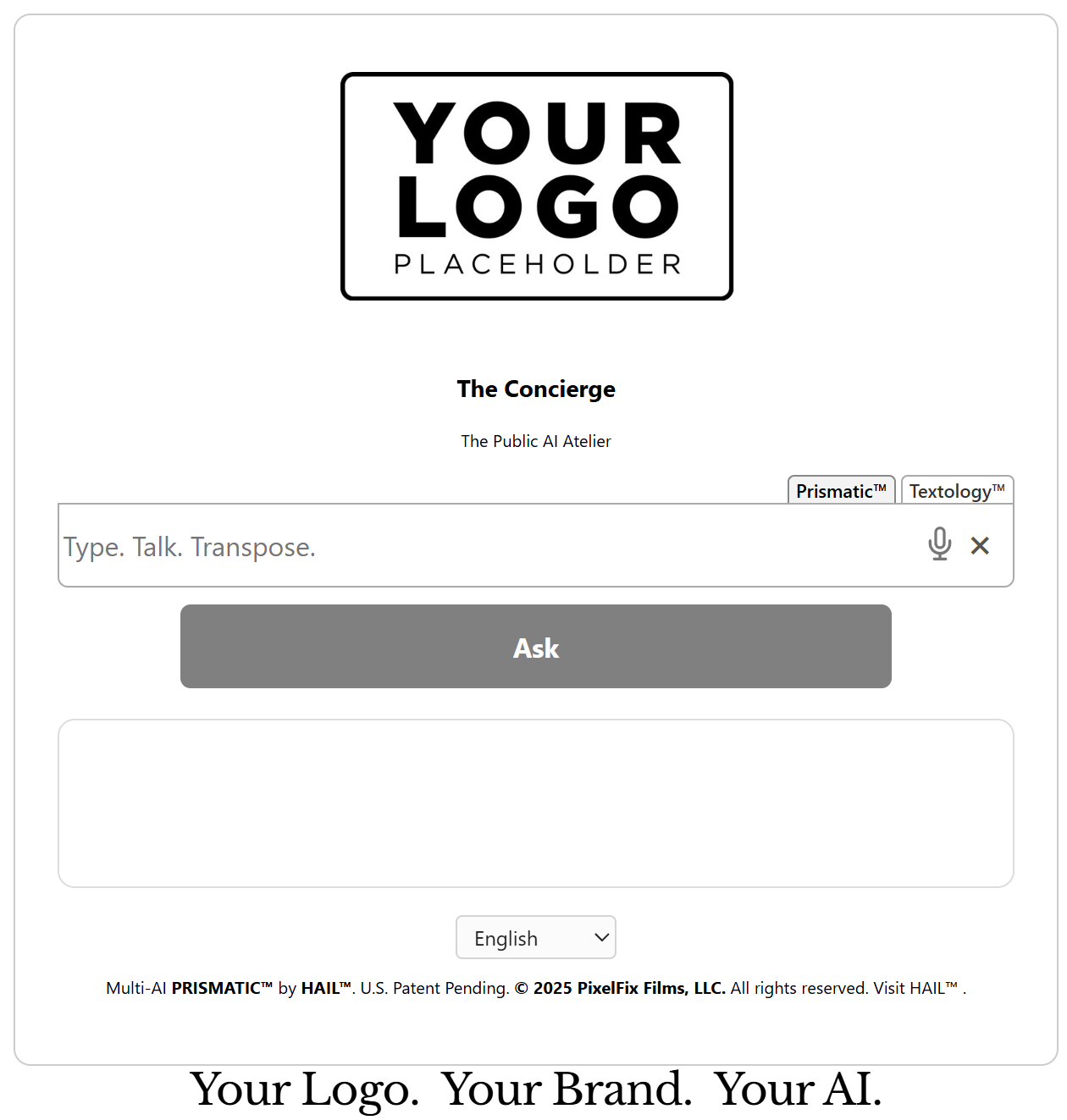
Install the HAIL™ Concierge
Add the following embed code to any page using a Squarespace Code Block. This mounts the Concierge interface and activates the selected AI mode.
<div id="concierge-slot"></div>
<script
  src="https://concierge-henna.vercel.app/embed/concierge.js"
  data-dual="true"
  data-auto="true"
  data-lang="en"
  data-logo="https://YourLogo.png"
  data-theme="light"
  defer>
</script>
Core Settings Explained
data-dual
Controls which AI system is active.
Controls which AI system is active.
"true"→ Shows tabs (Prismatic™ + Textology™)"prismatic"→ OpenAI only (link-enabled mode)"textology"→ Anthropic only (text-only mode)
data-auto
"true" automatically opens the Concierge on page load.
If omitted or set to "false", it appears as a slide-out panel.
data-lang
Sets the default interface language (e.g.,
Sets the default interface language (e.g.,
"en", "es", "fr").
data-logo
Replaces the default HAIL™ logo with your own brand logo.
Replaces the default HAIL™ logo with your own brand logo.
data-theme
"light" or "dark" theme styling.
Tip:
Use data-dual="textology" for a clean, text-only publishing environment.
Use data-dual="prismatic" for enhanced linking and multi-AI synthesis.
HAIL™ Content Blocks™ · Installation & Attribute Guide
Deploy structured, continuously generated editorial content directly into your existing layout — no interface, no dashboard, no rebuild.
In this addendum: Installation snippet, required attributes, optional controls, audio behavior, scaling, language settings, and rendering lifecycle.
1) Basic Installation
Insert the container element and embed script where the generated content should render.
<div id="concierge-slot" data-scale="1"></div>
<script
src="https://concierge-henna.vercel.app/embed/contentblock.js"
content-block="The Life of Albert Einstein"
data-auto="true"
data-audio="true"
data-lang="en"
data-length="medium"
defer>
</script>
Reference production embed example: :contentReference[oaicite:2]{index=2}
2) Required Attribute
content-block="..."
Declares the subject of the page. This value becomes:
- The rendered H2 title
- The structured narrative prompt
- The canonical topic context for generation
3) Container Element
<div id="concierge-slot">
This is the render target. Content Blocks™ injects semantic HTML directly inside this container.
It does not introduce external UI wrappers. It inherits your site typography and layout automatically.
It does not introduce external UI wrappers. It inherits your site typography and layout automatically.
4) Optional Script Attributes
| Attribute | Function |
|---|---|
data-auto="true" |
Automatically renders on page load. If false, use JS trigger: HAIL_ContentBlock.render() |
data-lang="en" |
Sets generation language. Defaults to English. |
data-length="short|medium|long" |
Controls narrative depth. Default = medium. |
data-audio="true" |
Enables optional audio narration button below content. |
data-scale="1" |
Adjusts font scaling inside block (0.5–2 range). Applied to root container. |
5) Rendering Behavior
- Title (H2) always matches the declared
content-blockvalue. - Content is normalized into semantic HTML (H3, paragraphs, lists).
- Duplicate leading titles are automatically removed.
- No fabricated URLs are generated.
- Existing CSS is inherited; styles are scoped to prevent CMS conflicts.
6) Audio Behavior (Optional)
- Audio button renders beneath content.
- Desktop: click → generate → auto-play.
- Mobile: click → generate → second click to play (browser compliant).
- Audio is generated from rendered text only (no hidden content).
7) Manual Rendering (Advanced)
HAIL_ContentBlock.render("New Topic Here");
Allows dynamic subject switching without reloading the page.
8) Deployment Summary
One container.
One declared subject.
Continuous structured output.
Content Blocks™ converts static pages into adaptive editorial systems — without visible interface layers or design disruption.
One declared subject.
Continuous structured output.
Content Blocks™ converts static pages into adaptive editorial systems — without visible interface layers or design disruption.